

Travelers and frequent device switchers benefit most from eSIM technology. But not every smartphone supports it. To save you time, we’ve compiled the latest list of eSIM-compatible phones in 2025. This guide covers Apple, Samsung, and Google devices, plus tips on how to check if your phone supports eSIM.
Quick Summary for eSIM compatible phones
| Brand | eSIM Support Introduced |
|---|---|
| iPhone | 2018 (iPhone XR/XS) |
| Samsung | 2019 (Galaxy S20) |
| 2017 (Pixel 2) |
Full List of eSIM compatible iPhones (Apple iOS)
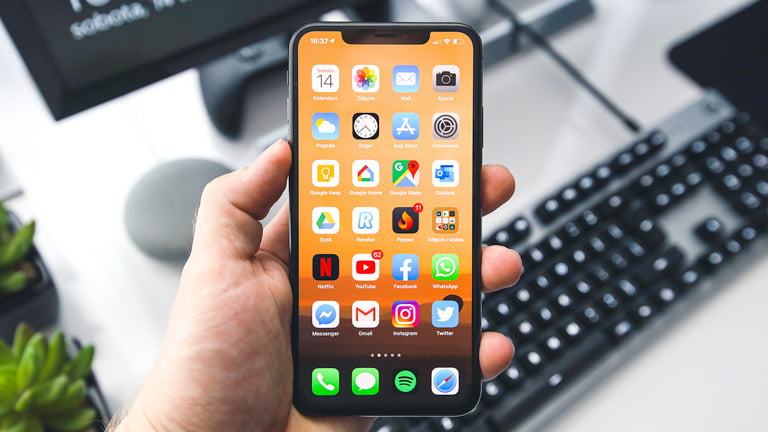
Which iPhone models support eSIM?
Apple introduced eSIM technology with the iPhone XS series in 2018. Since then, most newer iPhones have included eSIM support. However, depending on carrier policies or the country where your iPhone was purchased, eSIM may not be available. To be sure, please check your device settings to confirm whether your iPhone supports eSIM below:
- iPhone XR
- iPhone XS
- iPhone XS MAX
- iPhone 11
- iPhone 11 Pro
- iPhone 11 Pro Max
- iPhone SE 2 (2020)
- iPhone SE 3 (2022)
- iPhone 12
- iPhone 12 Mini
- iPhone 12 Pro
- iPhone 12 Pro Max
- iPhone 13
- iPhone 13 Mini
- iPhone 13 Pro
- iPhone 13 Pro Max
- iPhone 14
- iPhone 14 Plus
- iPhone 14 Pro
- iPhone 14 Pro Max
- iPhone 15
- iPhone 15 Plus
- iPhone 15 Pro
- iPhone 15 Pro Max
- iPhone 16
- iPhone 16 Plus
- iPhone 16 Pro
- iPhone 16 Pro Max
- iPhone 16e
- iPhone 17 Series (will be released later in 2025)
Which iPhone devices don’t support eSIM?
You should check if your iPhone device doesn’t have the following conditions.
- Carrier-locked iPhones
- iPhones that are sold in Mainland China, Hong Kong, and Macao. However, some iPhones (iPhone 13 mini, iPhone 12 mini, iPhone SE (2nd and 3rd generation), iPhone XS, and iPhone 16e) from Hong Kong and Macao only support eSIM.
- iPhone X, iPhone SE 1 generation, and all other older iPhones, including the iPhone 8, 7, 6s, and 6 series.
How do I check if my iPhone supports eSIM or not?
To make sure your device actually supports iPhone eSIM, you should check the following conditions.
- Make sure that your iPhone is unlocked
Go to Settings – General – About and scroll down, find “Network Provider Lock” and check that it says “No SIM restrictions” to use SIMs from other carriers.
- Make sure that your iPhone supports dual SIM
Go to Settings – General – About and scroll down to see if you have 2 IMEI numbers, to use dual SIM with eSIM.
- Make sure that your iPhone supports eSIM
Go to Settings – Cellular and see if you have an “Add eSIM” button or “Add Cellular Plan” button to add a secondary eSIM.
Full List of eSIM compatible Samsung Galaxy Phones
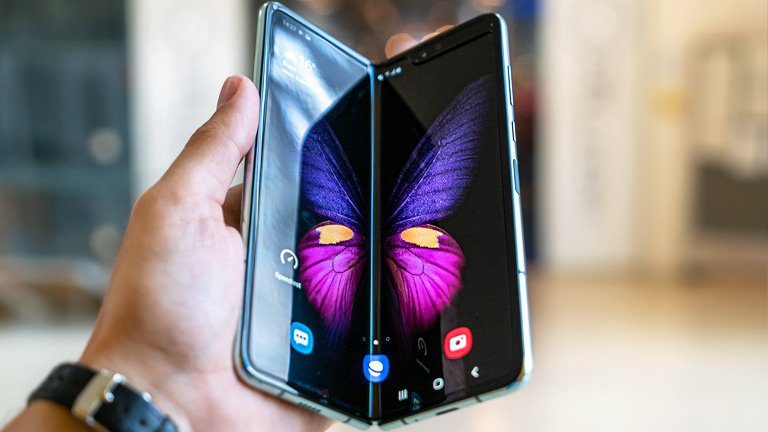
Which Samsung models support eSIM?
Samsung began fully integrating eSIM functionality with the Galaxy S20 series. Most models released after the S20 (2020) include eSIM support. However, depending on regional and carrier policies, some devices may not support eSIM, so it is always recommended to check compatibility.
- Samsung Galaxy S20
- Samsung Galaxy S20+
- Samsung Galaxy S20+ 5g
- Samsung Galaxy S20 Ultra
- Samsung Galaxy S20 Ultra 5G
- Samsung Galaxy S21
- Samsung Galaxy S21+ 5G
- Samsung Galaxy S21+ Ultra 5G
- Samsung Galaxy S22
- Samsung Galaxy S22+
- Samsung Galaxy S22 Ultra
- Samsung Galaxy S23
- Samsung Galaxy S23+
- Samsung Galaxy S23 Ultra
- Samsung Galaxy S23 FE* (Models from China or from Hong Kong do not admit eSIM)
- Samsung Galaxy S24
- Samsung Galaxy S24+
- Samsung Galaxy S24 Ultra
- Samsung Galaxy S24 FE
- Samsung Galaxy S25
- Samsung Galaxy S25+
- Samsung Galaxy S25 Ultra
- Samsung Galaxy S25 Edge
- Samsung Galaxy Note 20
- Samsung Galaxy Note 20 Ultra 5G
- Samsung Galaxy Fold
- Samsung Galaxy Z Fold2 5G
- Samsung Galaxy Z Fold3 5G
- Samsung Galaxy Z Fold4
- Samsung Galaxy Z Fold5 5G
- Samsung Galaxy Z Fold6 5G
- Samsung Galaxy Z Fold7
- Samsung Galaxy Z Flip
- Samsung Galaxy Z Flip3 5G
- Samsung Galaxy Z Flip4
- Samsung Galaxy Z Flip5 5G
- Samsung Galaxy Z Flip6 5G
- Samsung Galaxy Z Flip7
- Samsung Galaxy Z Flip7 FE
- Samsung Galaxy A54 (SCG21 (Japanese Model), SC-53D (Japanese Model), SM-A546B/DS (International Model), SM-A546S (Korean Model), SM-A546U1 (International Model))
- Samsung Galaxy A55 5G
- Samsung Galaxy A35 5G
- Samsung Galaxy A56 5G
- Samsung Galaxy A36 5G
Which Samsung phones don’t support eSIM?
To make sure your Samsung device actually supports eSIM, your device shouldn’t be matched with the following conditions.
- Most Samsung phones released before the S20 series
- All Samsung Galaxy devices from China, Hong Kong, Macau, and Taiwan generally do not support eSIM.
- Samsung Galaxy S20 FE 4G
- Samsung Galaxy S20 FE 5G
- Samsung Galaxy S20 (US and Canada versions)
- Samsung Galaxy S21 (US and Canada versions)
- All Samsung Galaxy S20 FE and S21 FE models
- Galaxy Z Flip 5G (US and Canada versions)
- Samsung Note 20 Ultra (Versions from the US and Hong Kong)
- Samsung Galaxy Z Fold 2 (Versions from the US and Hong Kong)
How do I check if my Samsung phone supports eSIM or not?
Please check the following to make sure your Samsung device can be equipped with eSIM.
- Make sure that your Samsung phone is unlocked
Go to Settings – About Phone – Status and check if it says “Unlocked” in Network lock status.
- Make sure that your Samsung phone supports dual SIM
Go to Settings – IMEI information to see if you have 2 IMEI numbers. If “IMEI (eSIM)” is displayed, you can use the eSIM feature.
- Make sure that your Samsung phone supports eSIM
Go to Settings – SIM card manager to see if you have an “Add Mobile plan” button. If you scan the QR code, and the “Add to the smart device / watch” message appears, there is a high possibility that your device is not compatible with eSIM.
Full List of eSIM compatible Google Pixel
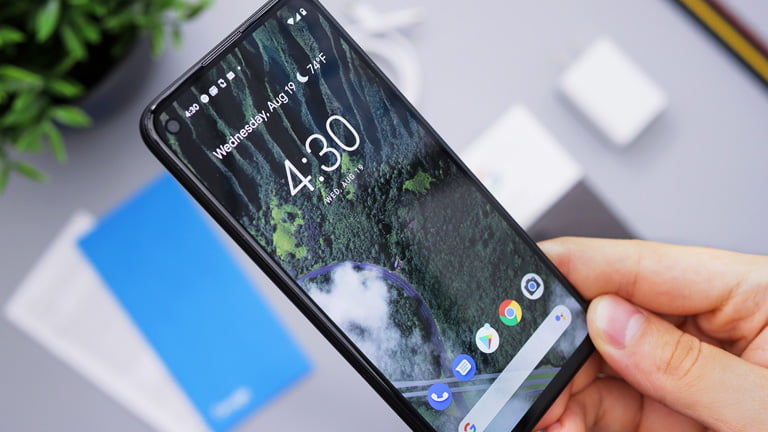
Which Google Pixel support eSIM?
Google first introduced eSIM technology with the Pixel 2 series in 2017. Since then, most newer Pixel devices have included eSIM support. However, depending on carrier policies or the country where your Pixel was purchased, eSIM may not be available. To be sure, please check your device settings to confirm whether your Pixel supports eSIM below:
- Google Pixel 2
- Google Pixel 2 XL
- Google Pixel 3
- Google Pixel 3 XL
- Google Pixel 3a
- Google Pixel 3a XL
- Google Pixel 4
- Google Pixel 4a
- Google Pixel 4 XL
- Google Pixel 5
- Google Pixel 5a
- Google Pixel 6
- Google Pixel 6 Pro
- Google Pixel 6a
- Google Pixel 7
- Google Pixel 7 Pro
- Google Pixel 8
- Google Pixel 8 Pro
- Google Pixel 9
- Google Pixel 9 Pro
Which Google Pixel devices don’t support eSIM?
Your Google Pixel device shouldn’t fall under the conditions below to use eSIM.
- Carrier-locked Google Pixel devices.
- All Google Pixel devices released before 2017.
- Google Pixel 3 series models sold in Australia, Taiwan, and Japan, and those bought with service from US or Canadian carriers other than Sprint and Google Fi.
- Pixel 3a is sold in Southeast Asia, and with Verizon service.
- Google Pixel and XL, Google Pixel 2 and 2XL (without Google Fi).
How do I check if my Google Pixel supports eSIM or not?
Please check the following to make sure your Samsung device can be equipped with eSIM.
- Make sure that your Google Pixel is unlocked
Go to Settings – Connections – Network and internet – Mobile network. Tap ‘Choose network’ or ‘Automatically select network’. If your phone shows several available networks, it’s unlocked.
- Make sure that your Google Pixel supports dual SIM
Go to Settings – About phone – IMEI, and see if you can find “IMEI (SIM slot 2)” to use dual SIM with eSIM feature.
- Make sure that your Google Pixel supports eSIM
Go to Settings – Network & Internet – Mobile network. Then select Operator – Add Operator – “Don’t have a SIM card?” – Next. If you can scan the QR code, you are able to use eSIM with your device.
Get an eSIM for your trip to United States
Overall, eSIM technology is becoming increasingly popular among smartphone users as it offers more convenience, security, and flexibility than traditional SIM cards. With eSIM, you can easily use local data abroad without physically removing your SIM cards. This article provides a comprehensive list of all Apple, Samsung, and Google phones that support eSIM. However, it is important to note that eSIM support may vary depending on the manufacturer and location.
The good news is that all the popular network providers in the USA support eSIM networks. So, if you have checked that you have an eSIM-compatible phone and if you intend to travel to the USA soon, consider checking out ESIMUSA.com data plans to get some of the best data plan deals. ESIMUSA.com offers a variety of data plans, including fixed and unlimited data plans that you can select from depending on your budget and the amount of data you need for your trip.
Related Products
-
Product on sale
 eSIM USA Fixed PlansPrice range: $3.99 USD through $39.99 USD
 -
Product on sale
 eSIM USA UnlimitedPrice range: $11.99 USD through $77.99 USD

